PILLAR 01 • PRESENCE
GET TOGETHER

Real eye contact, unhurried afternoon banter, and spontaneous plans. A table for three where nobody is scrolling.
ASSET: MEETUP.PNGCONFIRMED 6:00 PM
Plans is a social app for real life. Say what you want to do, find the people who want the same thing, and turn it into something that actually happens tonight.
Free to use · No ads · No endless scroll
“Filter Coffee & Deep Talks · Tonight @ 6:30 PM”
24
screens, end to end
4 steps
intent to meet-up
0
ad trackers
2
reminders per plan
Interactive Pass Studio
Compose your intent. Watch the plum-ink seal lock in your plan, and claim your pass for tonight.
Art Direction
Hand-cut paper silhouettes, expressive adult characters, confident plum ink, and tactile risograph texture.
Real eye contact, unhurried afternoon banter, and spontaneous plans. A table for three where nobody is scrolling.

Espresso, dice, shuttlecocks, tennis rackets. The tactile tools of a well-spent weekend. One line of intent turns into real games.

Photo keepsakes and location passes. Your feed is not a public broadcast; it is an undeniable vault of things you actually did.
How it works
The whole app is one loop. Nothing in it exists to keep you on your phone longer than it takes to make the plan.
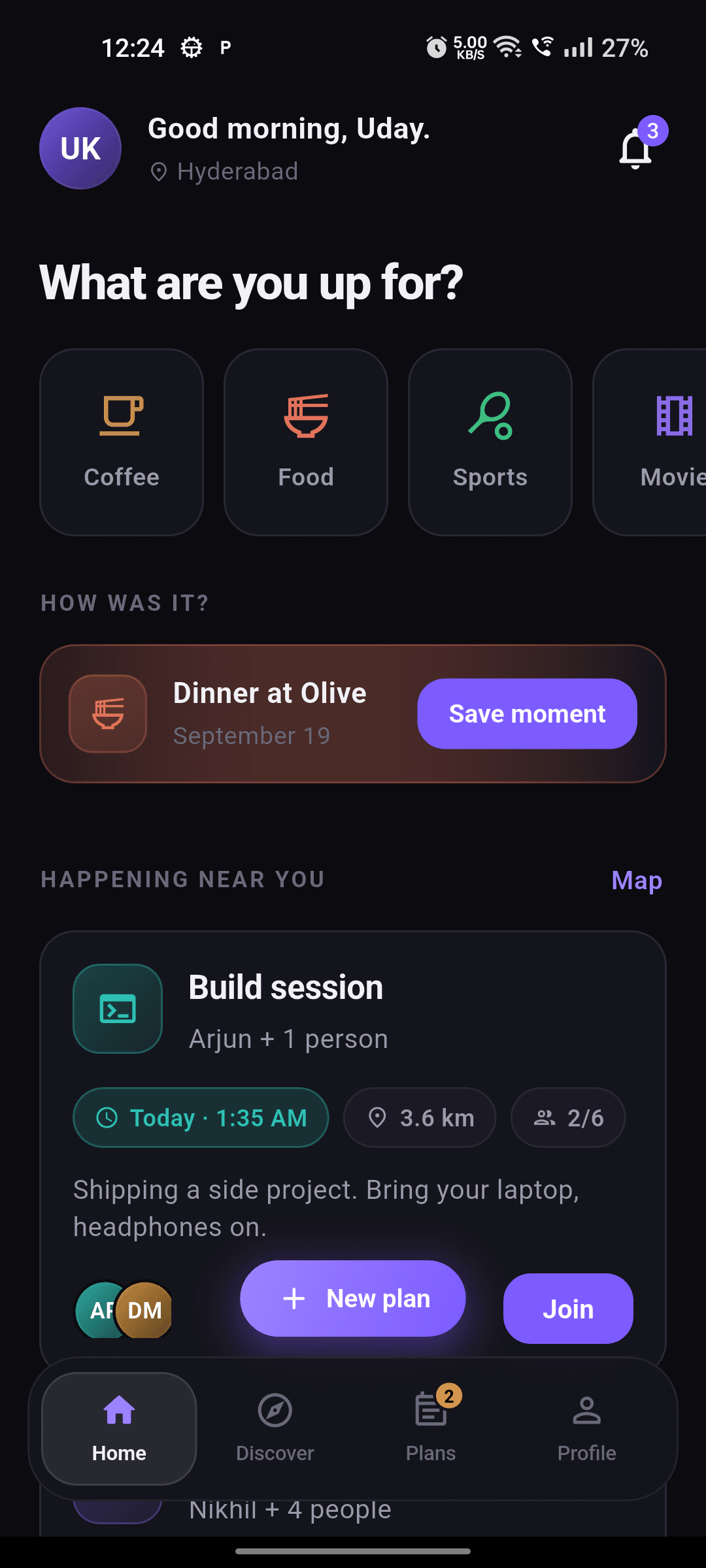
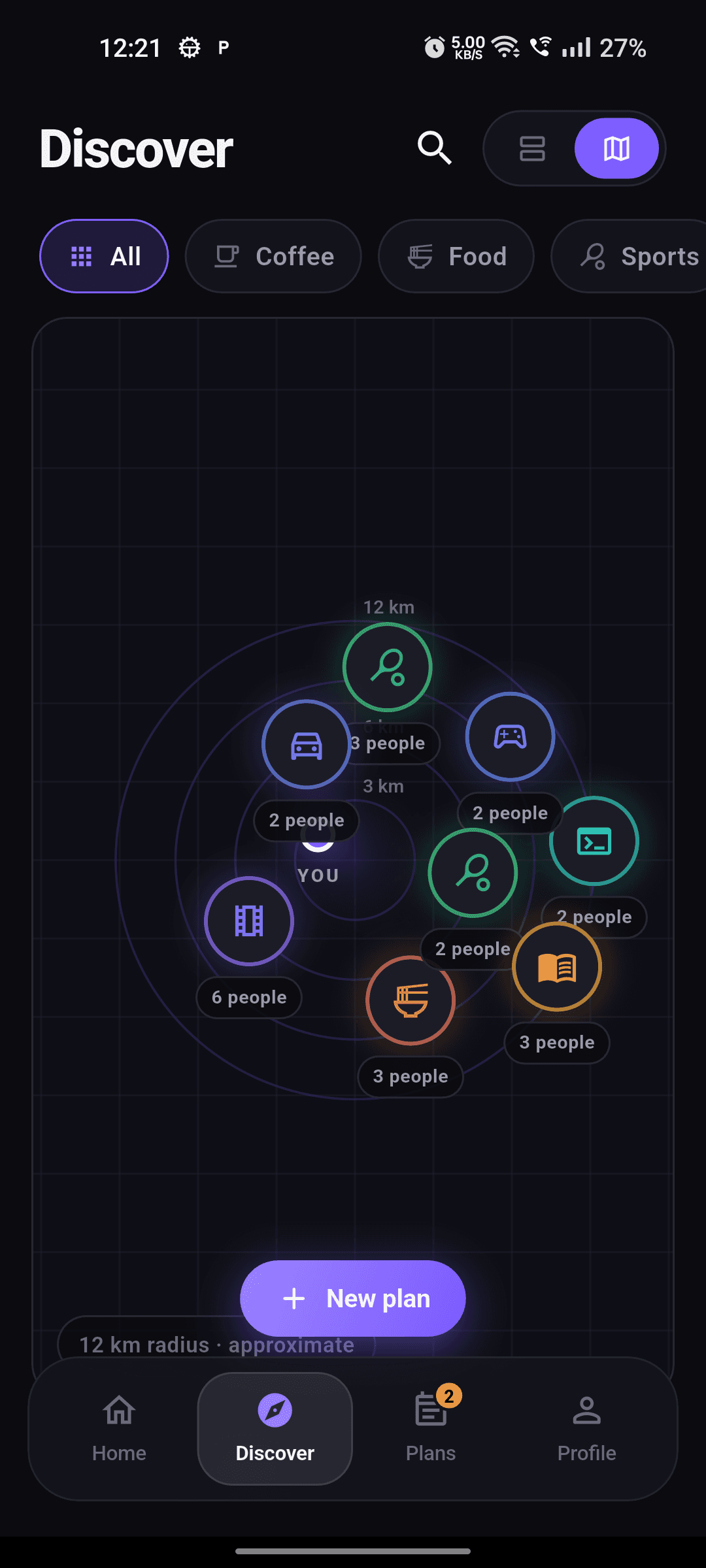
Coffee at 6. A badminton court. Someone to see the late show with. One line of intent - no caption, no audience.
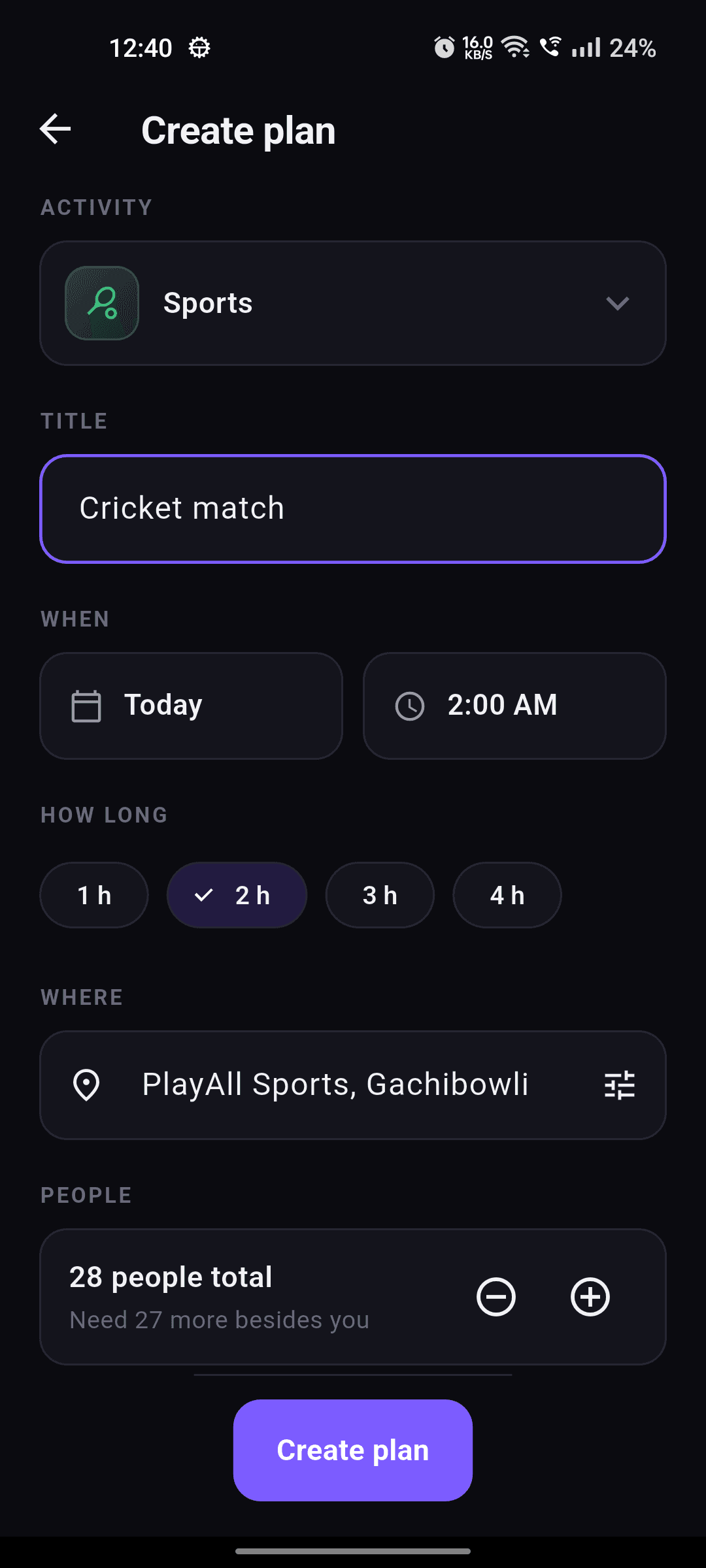
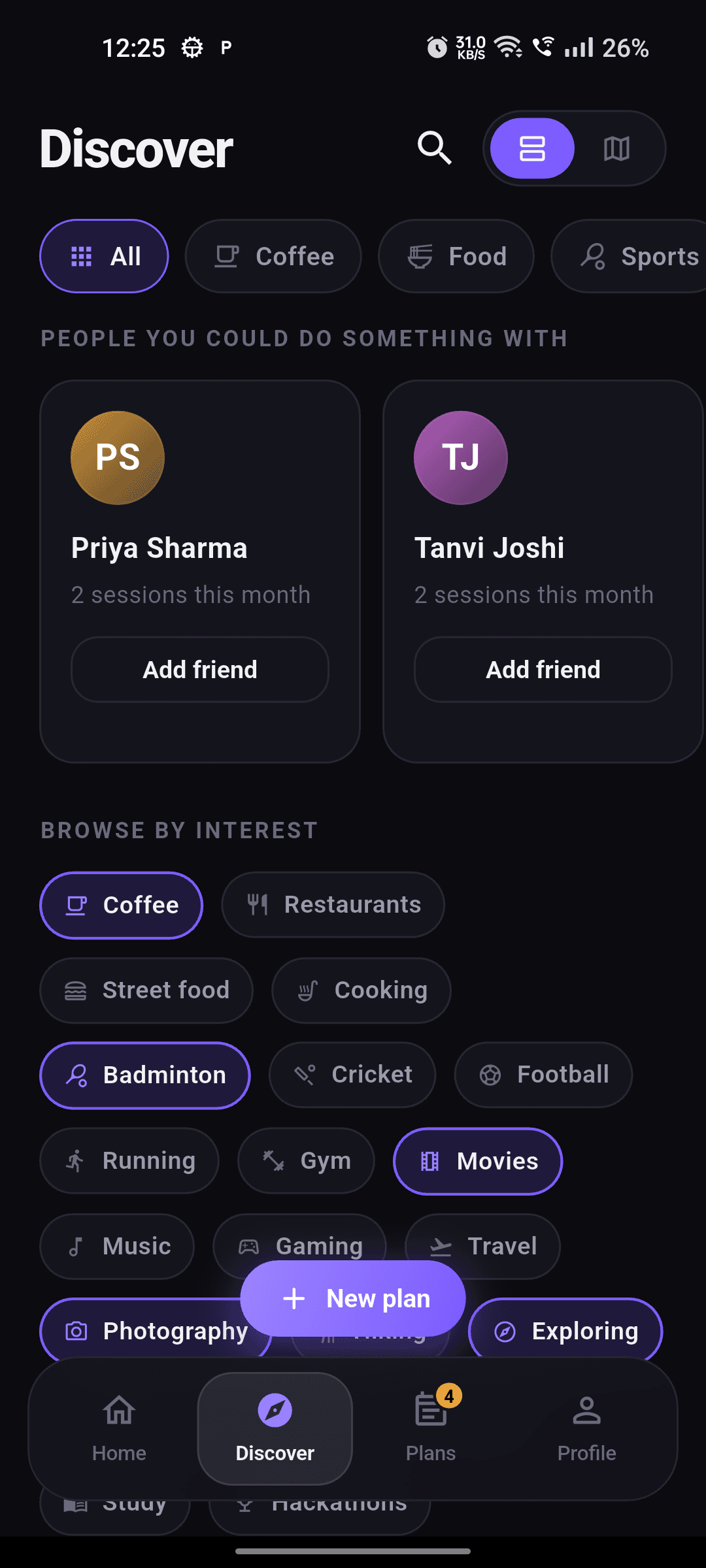
Discover and the nearby map surface people and plans around you right now, filtered by interest, distance and time.
Join a plan and you land in a room with everyone going. It exists to settle the details, then it closes itself.
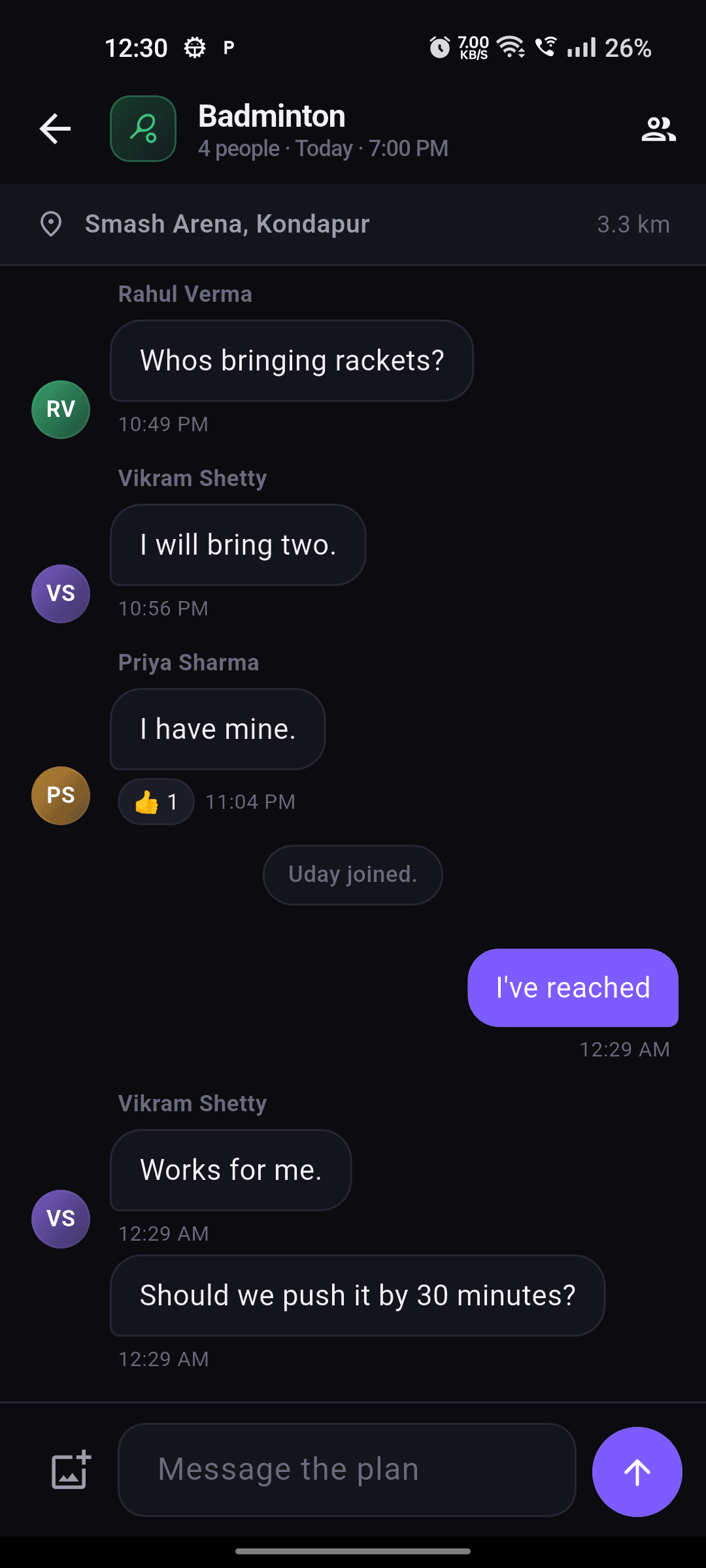
Afterwards, save a moment with the people who came. That is the feed - proof you went, not proof you posted.
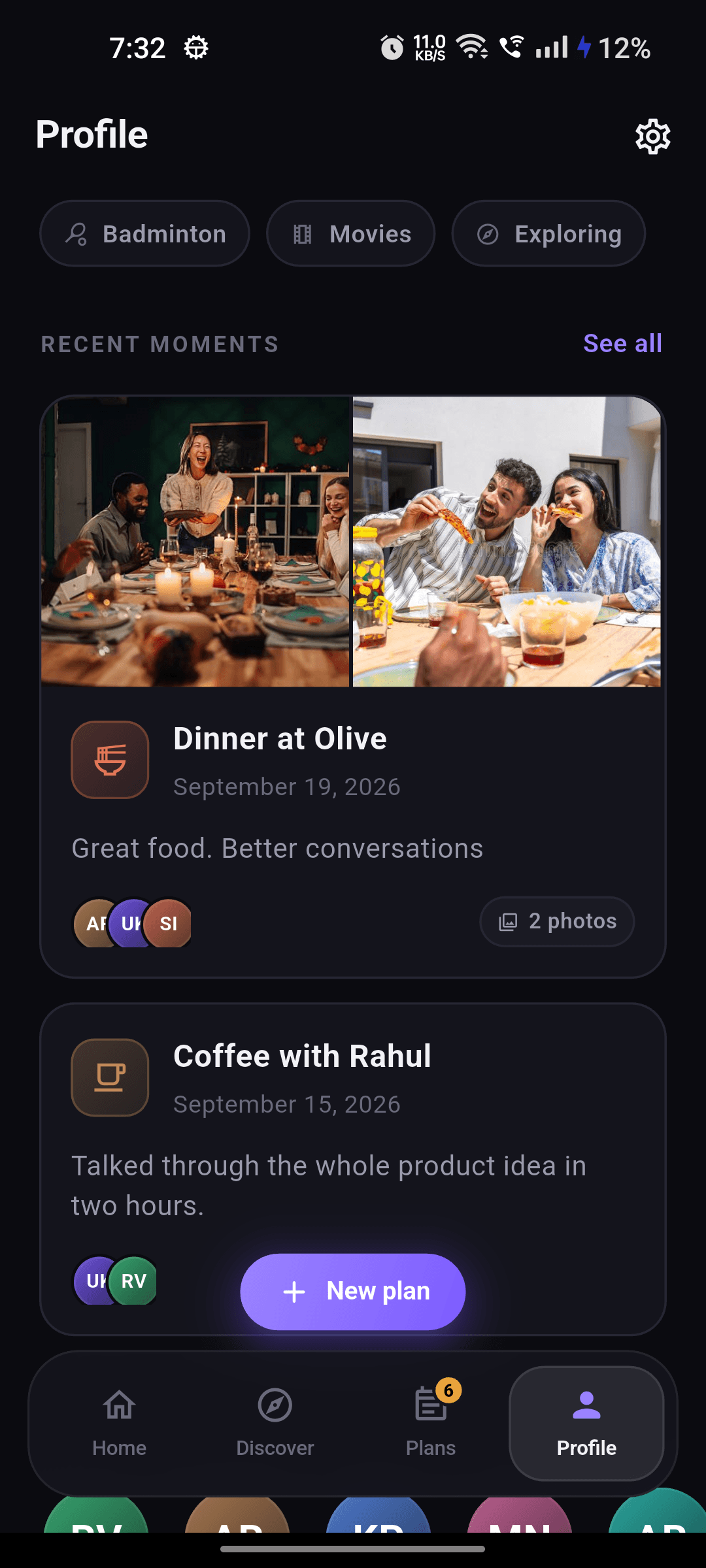
The Operating System
Built from the ground up for friction-free real-world rendezvous. Click through each phase of the loop.
“Filter Coffee at 6:30. Old Town Roastery.”
1 line • 0 audience • 3 spots left
Features
Every feature answers one question: does this help two people end up in the same place at the same time?
Every object in the app carries a time and a place. If it cannot happen in real life, it does not belong here.
See what is happening around you at a glance, or scan the list when you just want the next free hour filled.
Join a plan and you get a nudge 30 minutes before and again at start time - scheduled on the device, not in a feed.
Friendships grow out of plans you actually attended together, so your list stays small, real and worth something.
Not sure what to do? The plan assistant turns a vague mood into a concrete plan with a time, a place and a group size.
Safety controls live where the risk is - on every profile, plan and message - not buried four screens into settings.
Reminders
Notifications exist to get you out the door on time - nothing else. No re-engagement pings, no “someone you may know” at 11pm.
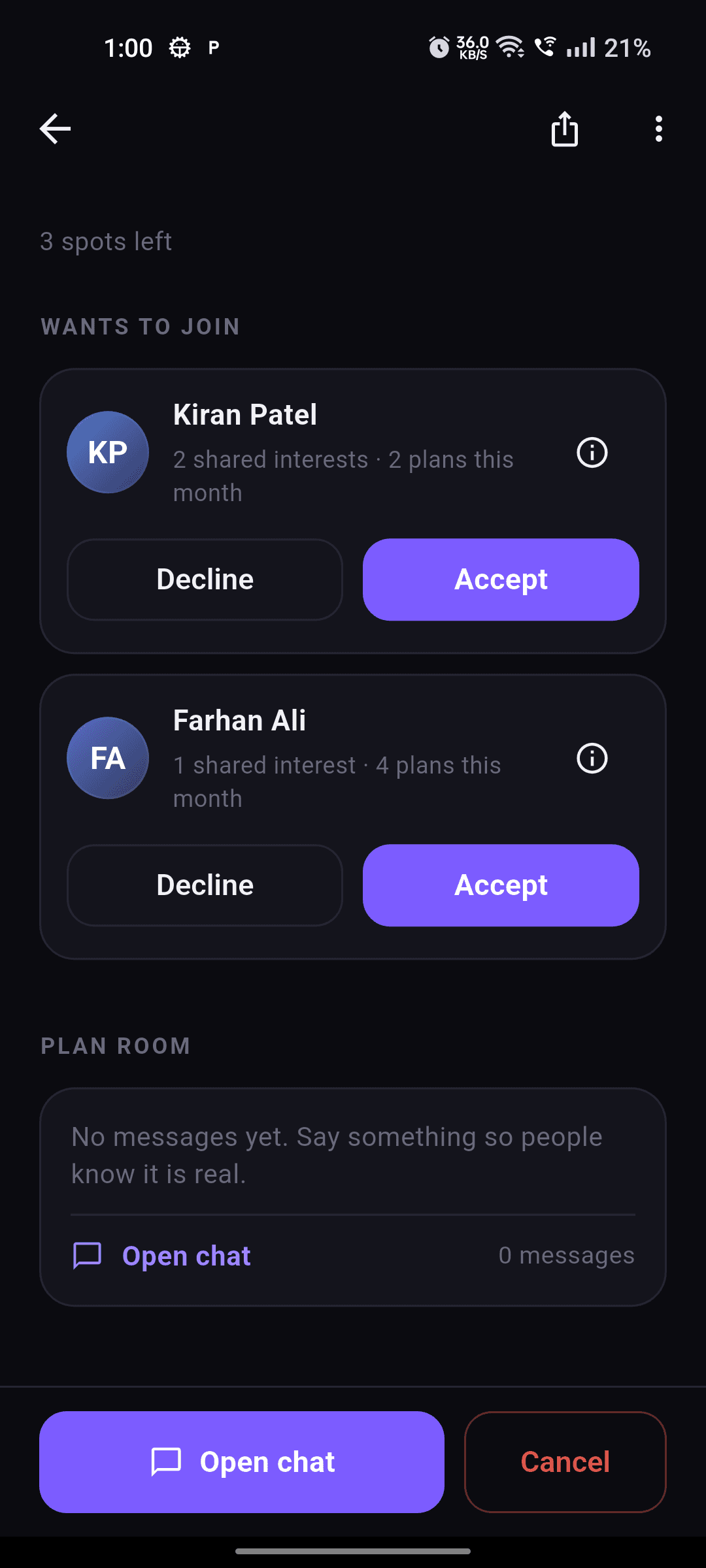
Privacy by design
Plans runs on the smallest amount of data that makes a meet-up work - and all of it is written down in plain language.
Nearby works on approximate distance. We never show your exact position to other people, and never sell location data.
A plan chat exists for the plan. When it is over the room closes, so one evening does not become a permanent record.
We do not run third-party ad SDKs and we do not build shadow profiles. Read exactly what we collect in the privacy policy.
FAQ
No. There is nothing to scroll for its own sake. You open the app when you want to do something, and close it once the plan is set.
You choose per plan: friends only, or open to people nearby who share the interest. Private plans never appear in discovery or on the map.
Only if you want the nearby map and distance-based discovery. Deny the permission and the rest of the app still works - you can join plans by invite, search and interest.
Reminders are scheduled locally on your device, so they fire even when you are offline and survive a restart. Every notification is also written to the in-app inbox, so you never lose the record.
Plans is free to use. If we ever add a paid tier it will be for extras, and we will say so clearly before anything changes.
We are in the final stretch before the public beta on iOS and Android. Leave your email below and the invite lands the day it opens.

Join the beta list and the invite arrives the day Plans opens in your city. Or skip the wait entirely - Plans already runs in your browser.
Open Plans in your browserWe only use your email for the beta invite. See the Privacy Policy.